The real choice isn’t speed, it’s trust
I paused at the kiosk with my passport open to the photo page, thumb hovering over “Opt in to facial verification.” The line to the agent desks was already curling past the stanchions, and my boarding time showed 8:10 a.m. on the screen. Saving five minutes felt obvious; handing over a face template (and trusting where it goes next) didn’t.
The pitch is speed, but the real decision is trust under pressure: who’s storing what, for how long, and what happens when the match fails. Biometrics can feel like TSA PreCheck for your identity—smooth when it works, oddly sticky when it doesn’t. If you book late and sprint tight connections, the upside is clear: fewer document checks, less “please step aside,” and faster re-routing when gates swap. Not every airport, airline, or checkpoint accepts the same flow, so you can’t plan like it’s universal.
The “frictionless” lane can become the slow lane if your face scan glitches, the lighting is bad, or a gate agent isn’t trained on the fallback. It works best for travelers who keep their documents handy anyway and treat biometrics as a shortcut, not a single point of failure. If opting in makes you tense, that stress is part of the cost—sometimes the fastest choice is the one you’ll trust at 6:45 a.m. without second-guessing.
Booking and planning with AI copilots

At 11:47 p.m., I had three tabs open—airline app, hotel map, and a half-filled expense report—while an “AI trip assistant” kept suggesting a cheaper flight that landed 38 minutes before my first meeting. The price was good, the buffer was fantasy, and the tool didn’t seem to feel the difference between a quiet Tuesday arrival and a Sunday-night crowd surge. I hesitated because I’ve learned that a plan that’s “optimal” on paper can be brittle the moment baggage claim backs up.
AI copilots are genuinely useful for late bookers, mostly as a compression tool: they compare fares, flag airport transfers, and build a workable itinerary faster than you can. The trade-off is that they optimize for what they can quantify (cost, duration, loyalty) and often underweight what frequent flyers actually fear (missed connections, security variability, gate changes). It works best if you feed it your real constraints—“carry-on only,” “must arrive 90 minutes early,” “no last flight of the night”—and treat its output like a draft, not a contract.
Where they shine is mid-trip: rebooking when weather rolls in, routing you to a different airport, or finding a hotel that won’t punish a 1:00 a.m. check-in. The limitation is acceptance and handoffs—some fixes still require you to talk to a human, and the app can’t always see what an agent can. I’ve started using copilots for options, then keeping one boring backup pinned in my notes, because “fast” only helps if it stays true when the day gets messy.
Biometric airports from curb to gate
At 6:32 a.m. under the drop-off overhang, I watched a curb agent wave one traveler straight past the document check while the next person got sent back to their phone to “pull up the QR code again.” The camera rig looked like a parking-garage reader—quick, bright, unforgiving. I hesitated because the promise is “curb to gate,” but the reality is more like “curb to one specific choke point, if everything lines up.”
When biometric flow works, it’s less like TSA PreCheck and more like an express elevator: you skip a few stops (ID check, boarding pass scan), not the whole building. Bag drop can be faster if your airline is actually staffed for it; security can be faster if the lane is open that morning; boarding can be smoother until a false mismatch forces an agent override. The limitation is patchwork: airport A may support face at bag drop, airport B only at boarding, and your return flight might be “regular” even on the same airline.
My rule is to opt in only when I still have a human fallback inside my timing buffer. Keep a physical ID accessible, screenshot the boarding pass, and assume the camera might fail after a red-eye or in weird lighting. If you’re privacy-sensitive, ask whether it’s a one-time verification or a stored profile—and whether you can delete it later. If that answer feels mushy, the regular lane may be slower, but it’s predictable.
AI that runs the trip in real time
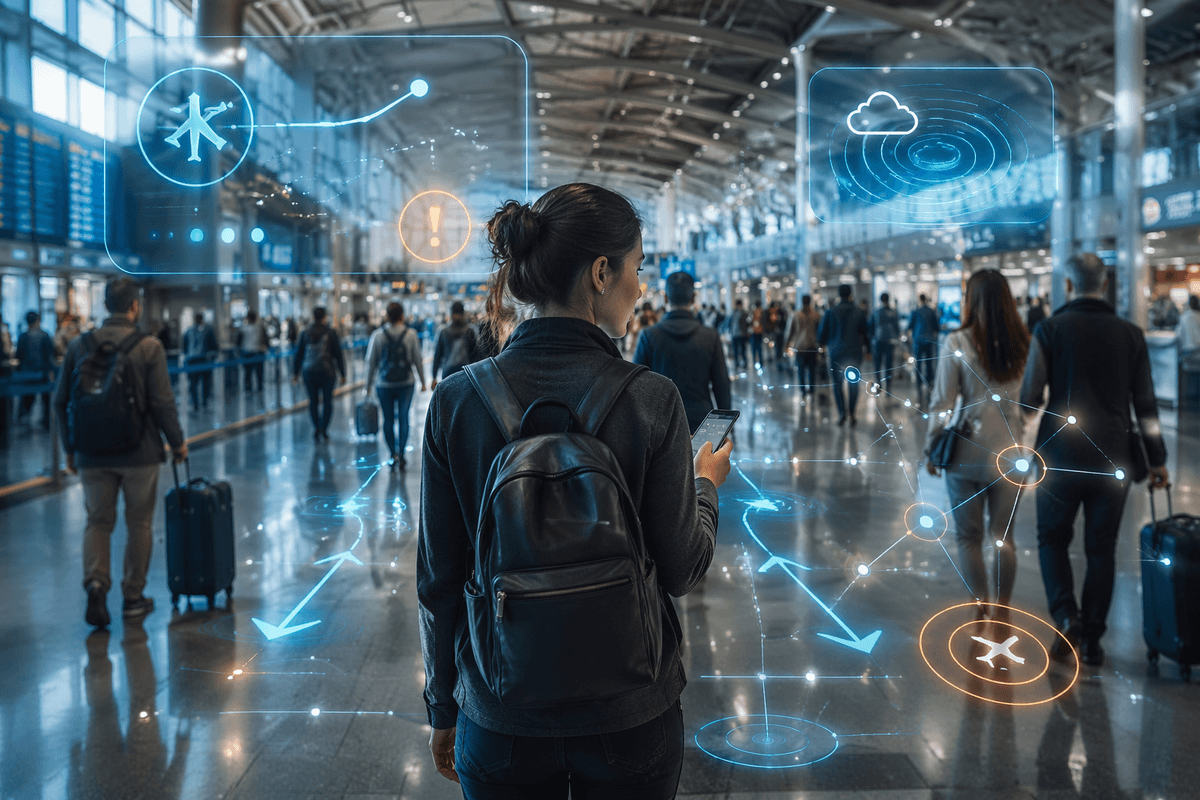
At 7:18 p.m. my phone buzzed with a “minor delay” notification, then—thirty seconds later—an AI “trip monitor” suggested switching to a flight out of a different terminal with a 12-minute tighter connection. The map made it look like a clean diagonal line; my legs knew it was escalators, a packed train, and a gate area that always bottlenecks. I hesitated because real-time help is only helpful if it understands the difference between feasible and theoretical.
When it works, this layer feels like having an ops-minded friend riding shotgun: it notices a gate swap before the boards update, nudges you to move earlier because the crowd flow is shifting, and proposes rebooks while seats still exist. Compared with a static itinerary, it’s faster in the moments that actually cost you flights—weather ripples, inbound aircraft changes, crew timing, a security line that suddenly doubles. The trade-off is data breadth: to be “smart,” it wants your location, your calendar, your loyalty profile, sometimes even your boarding progress. That’s a lot of context to hand over for a handful of minutes saved.
Many “AI fixes” still dead-end at “call an agent,” and the best reroute can be useless if your checked bag is already tagged to the original path or the airline won’t protect the connection. It works best for carry-on travelers who book late and can move fast; it’s shakier if you need predictability more than speed. I’ll take the real-time prompts—then sanity-check them against one simple question: can I still make this plan if the app goes quiet?
What you trade for frictionless travel
At 5:58 a.m., with my coffee still too hot to drink, I watched the “Face ID” lane move in clean little bursts while the regular queue crept forward one shoe-bin at a time. I stepped toward the camera, then stopped long enough to read the fine print on the placard—participation “optional,” retention “varies.” The timing pressure was real, but so was the feeling that I was making a data decision at airport speed.
That’s the trade: you’re swapping small, repeated frictions (show ID, scan pass, answer a question) for a smoother flow that depends on more sensitive inputs. When it works, it’s faster than any polite human interaction; when it doesn’t, the failure mode can be slower and more exposing—extra questions, a side conversation, a manual check while everyone streams past. It’s a good deal for travelers with tight buffers and a high tolerance for “systems sometimes glitch,” and a worse one if you find false matches uniquely stressful.
There’s also a quiet lock-in effect. The more the trip is “one profile” across apps, airports, and airlines, the less graceful it is when a partner doesn’t accept it, the network drops, or an agent can’t see what the screen promised. My compromise: opt in when the upside is immediate (a known bottleneck, a short connection), and keep a boring offline fallback—physical ID reachable, boarding pass saved—so speed never becomes a single point of failure.
How I’d use it on my next trip
At 6:05 a.m., standing between the coffee kiosk and the PreCheck entrance, I’d do the tiny math problem I always try to avoid: is the line moving, or just shuffling? If the biometric lane is visibly flowing and my boarding starts in 35 minutes, I’d opt in right there—because those are the mornings when five minutes isn’t five minutes, it’s the difference between calm and sprinting. If it’s a quiet terminal with plenty of slack, I’d keep my face out of the loop and take the boring, predictable path.
For planning, I’d use an AI copilot like a ruthless editor, not a travel agent: “carry-on only,” “no last flight,” “minimum 75-minute airport buffer,” and “prefer same-terminal connections.” These tools love theoretical efficiency, so I’d only accept reroutes that still work if the app goes dark—meaning I can reach the gate with signage and legs, not just a map line. This approach works for late bookers who can move fast; it’s weaker if you’re checking a bag or traveling with someone who can’t pivot quickly.
Privacy-wise, I’d compartmentalize: biometric only with providers that let me review and delete, and only when the payoff is immediate at a known choke point. I’d still travel as if nothing is connected—physical ID in an easy pocket, boarding pass saved offline, one human-help number starred—then decide lane by lane, not as a lifestyle.